
Afterglow
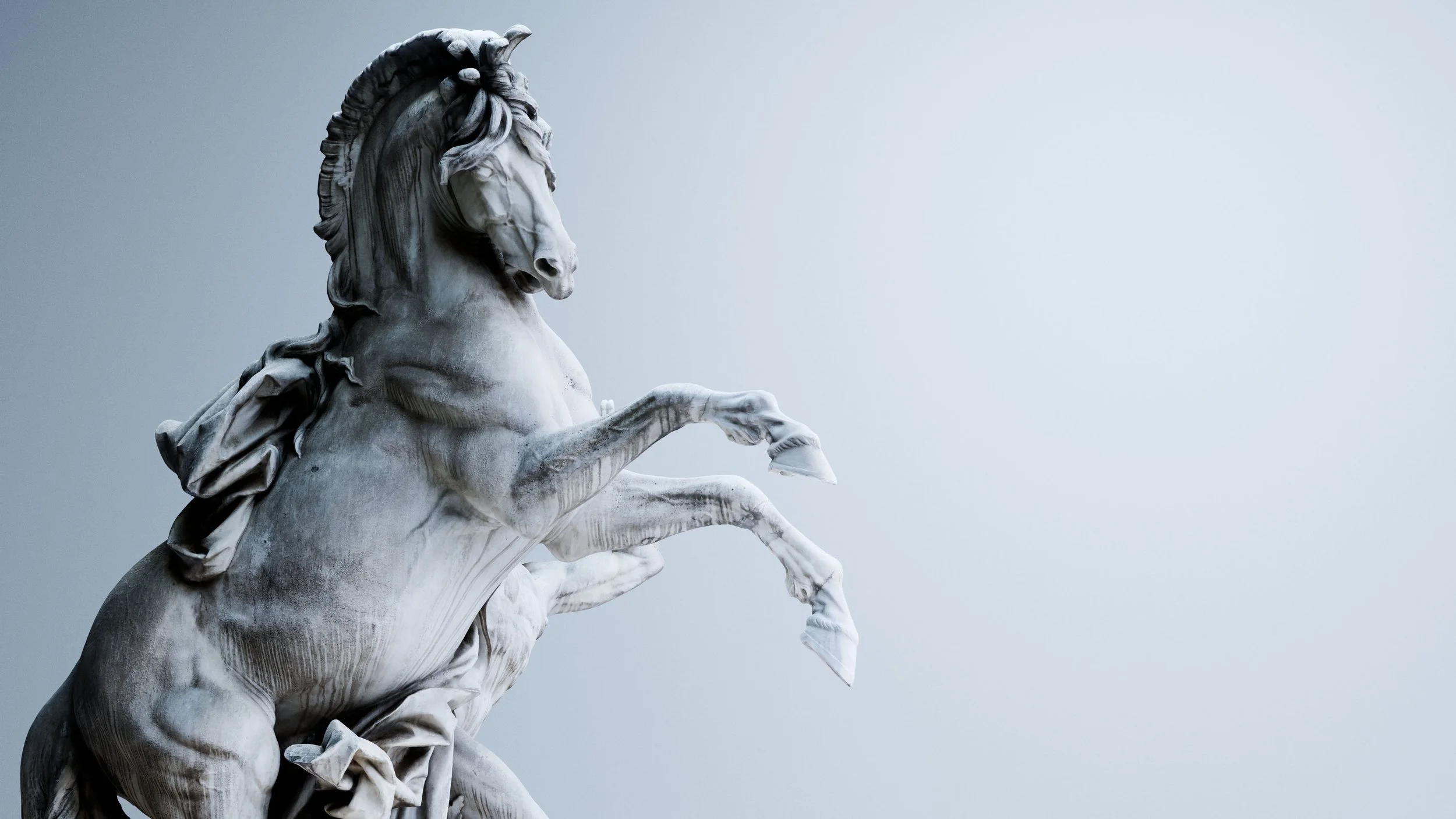
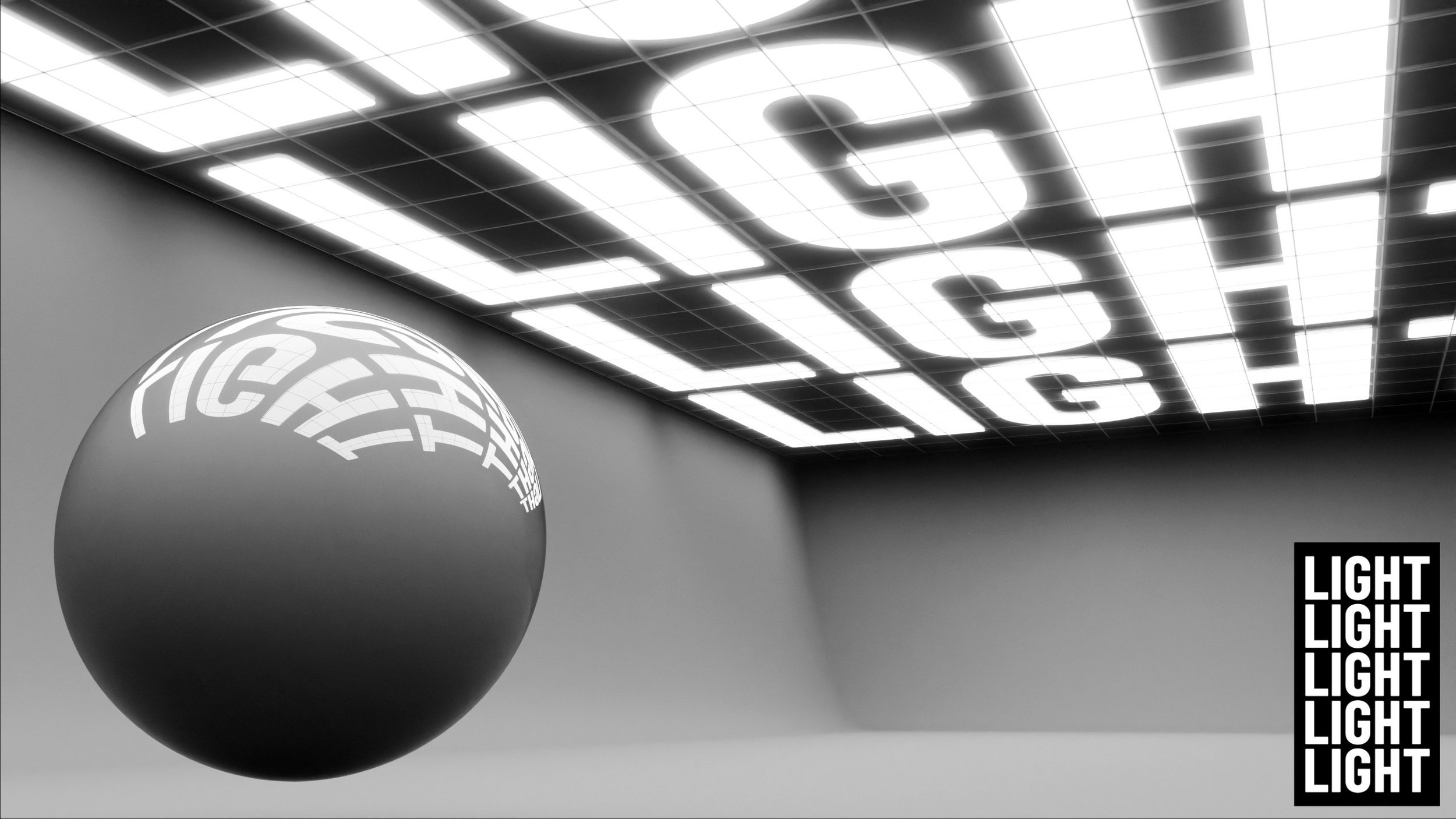
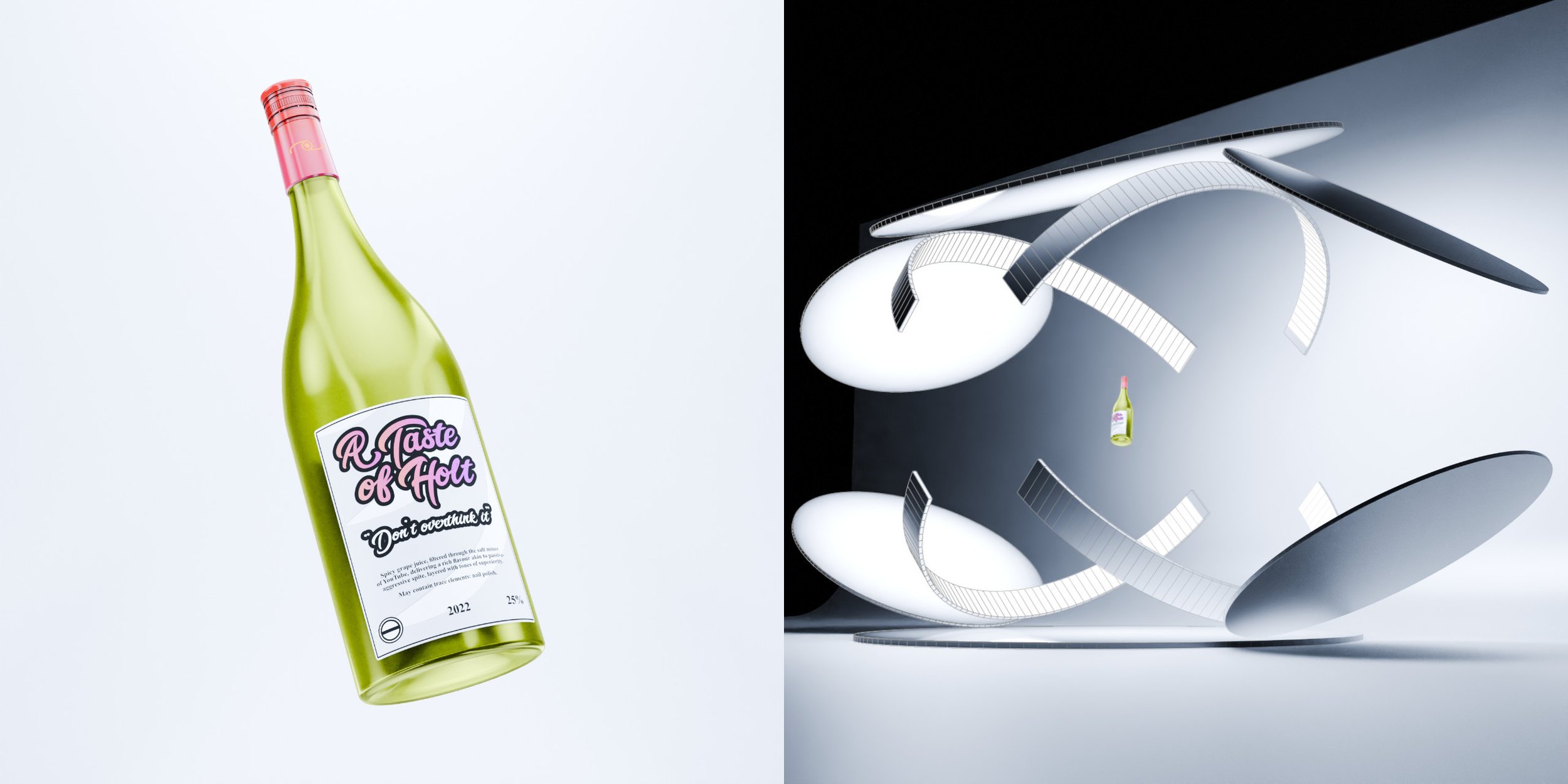
Afterglow is a collection of emissive lighting assets designed to help you achieve incredible lighting with ease.
Designed for the Cycles rendering engine, Afterglow helps to give your light setups a physical presence, providing accurate reflections and soft bounce lighting.
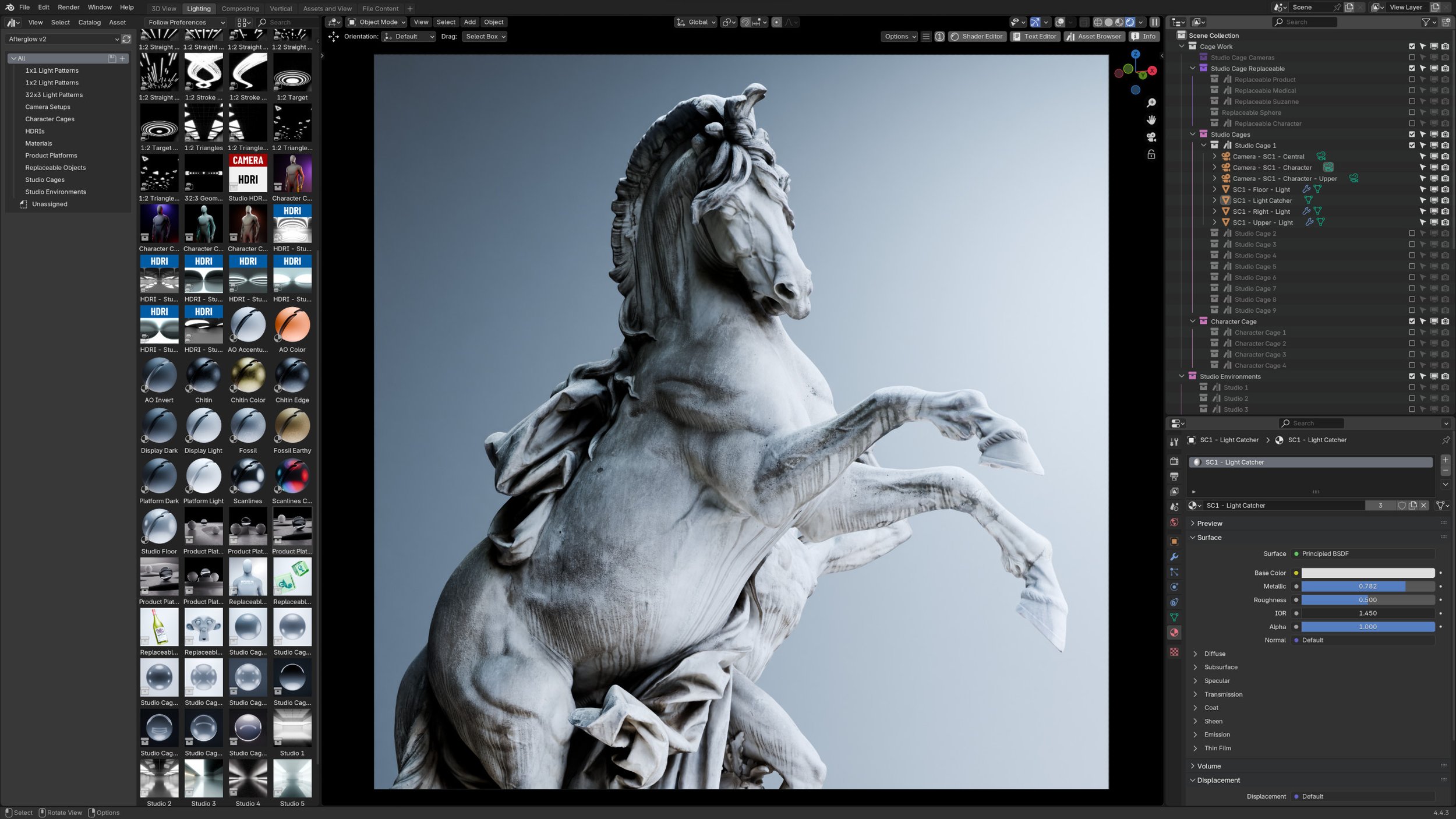
The types of assets available to you include light cages (see the studio cages and character cages sections below), materials, and more comprehensive studio environments, which have been designed to allow for an immense level of customization.
Watch the official crash course!

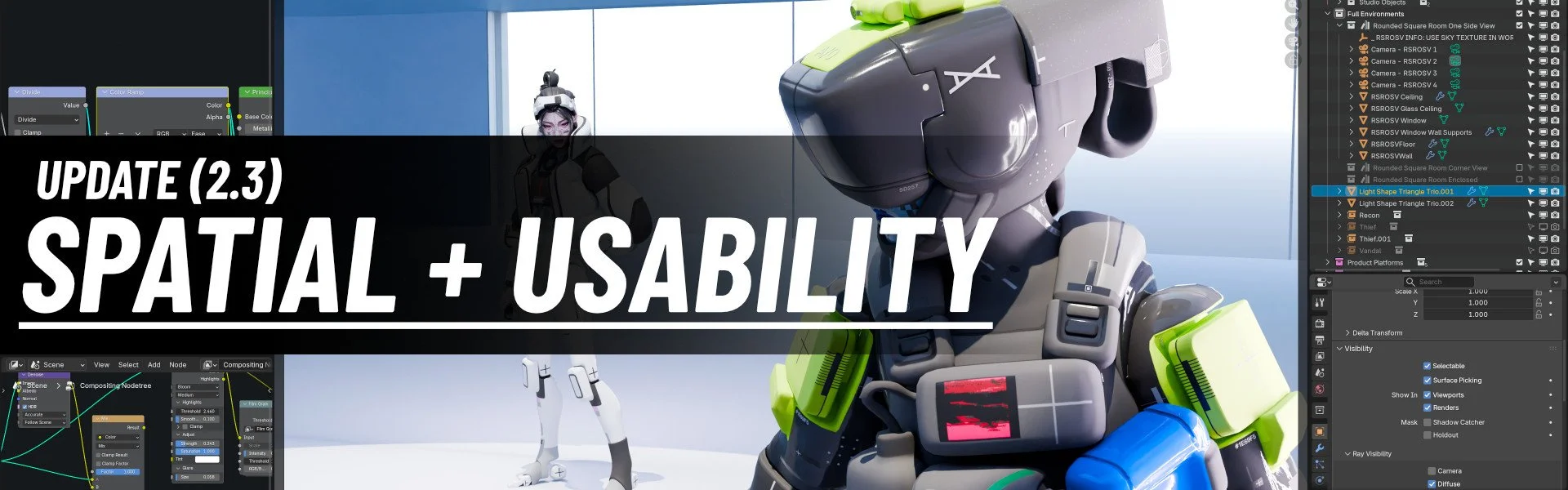
Update 2.3
Spatial Environments, Usability Changes and More
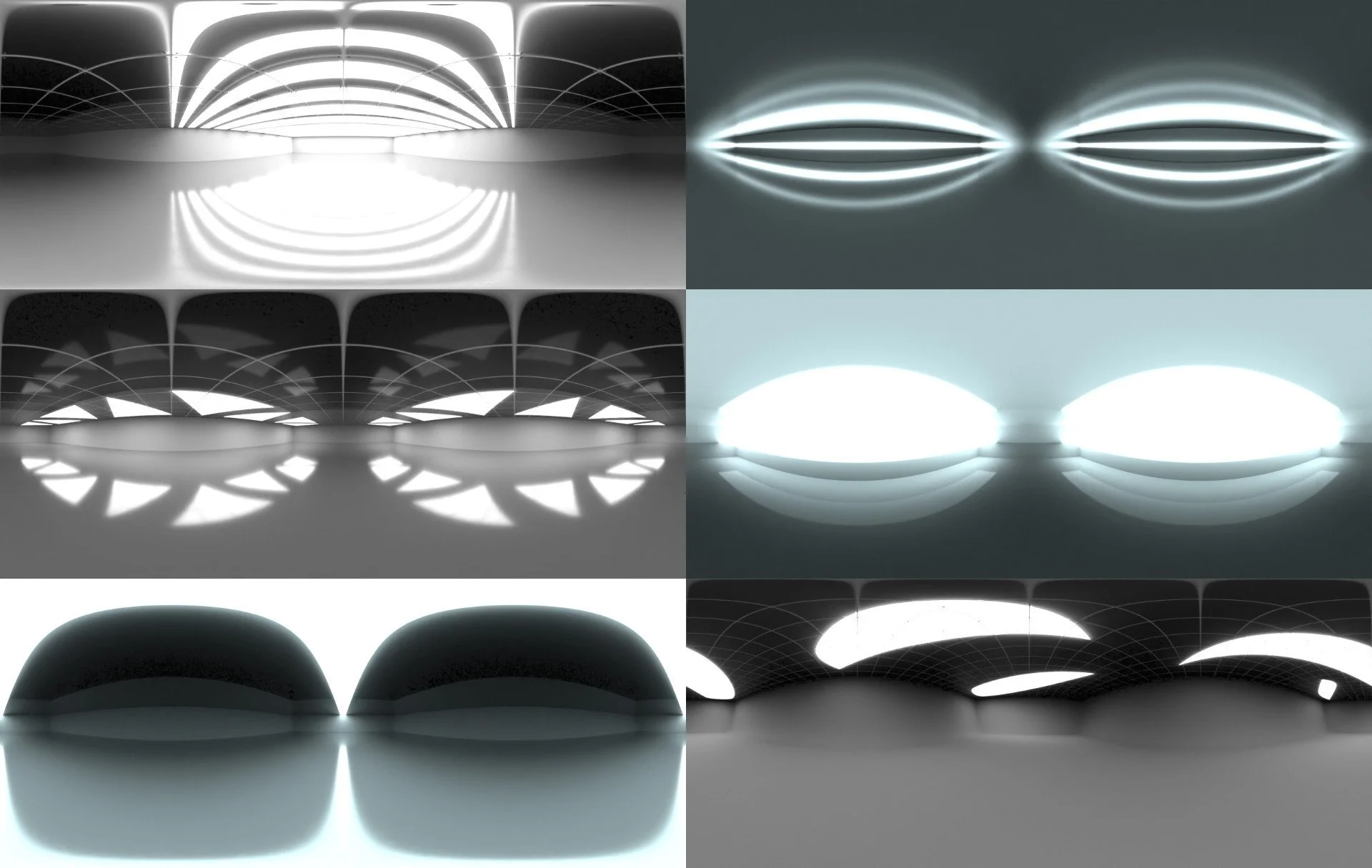
Three spatial environments were added, designed for world-based bounce lighting.
Node groups have been created to improve the usability of the light mapping nodes in studio environments.
The scale of studio cages and studio environments has been unified, and the character cages category has now been merged with studio cages.
A couple of new studio cages have been added, and matcap materials have been rendered for your consideration.
Additional small changes include category reorganization, and the inclusion of extra preset gradients in studio environment light materials.
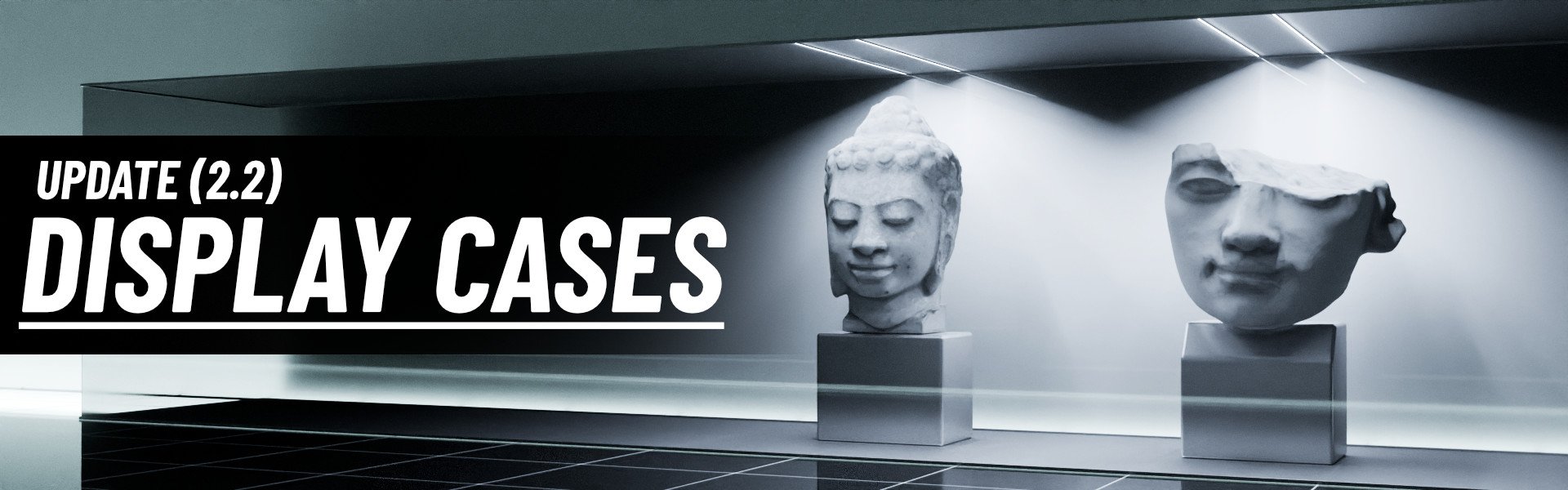
Update 2.2
Display Cases Update
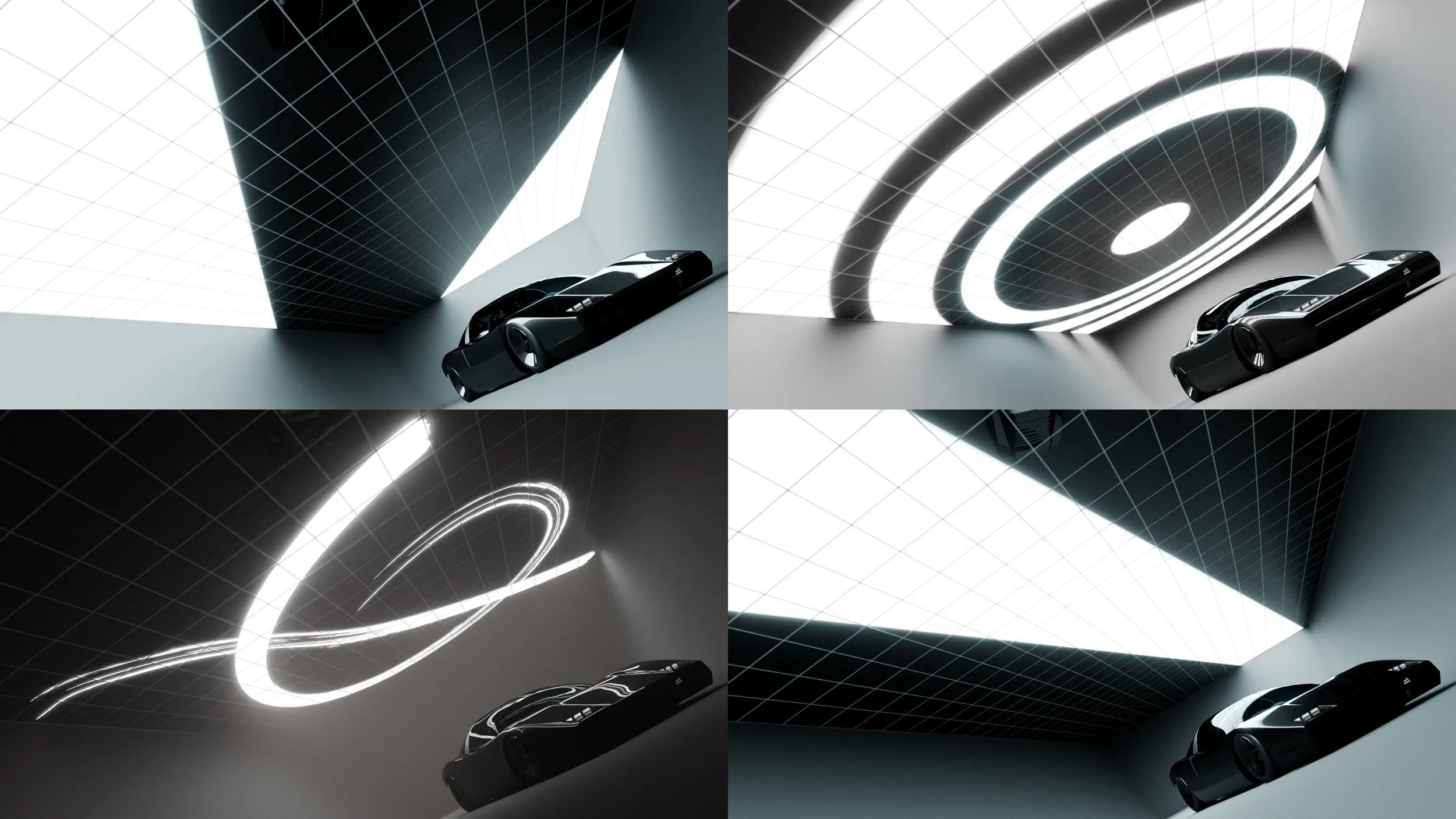
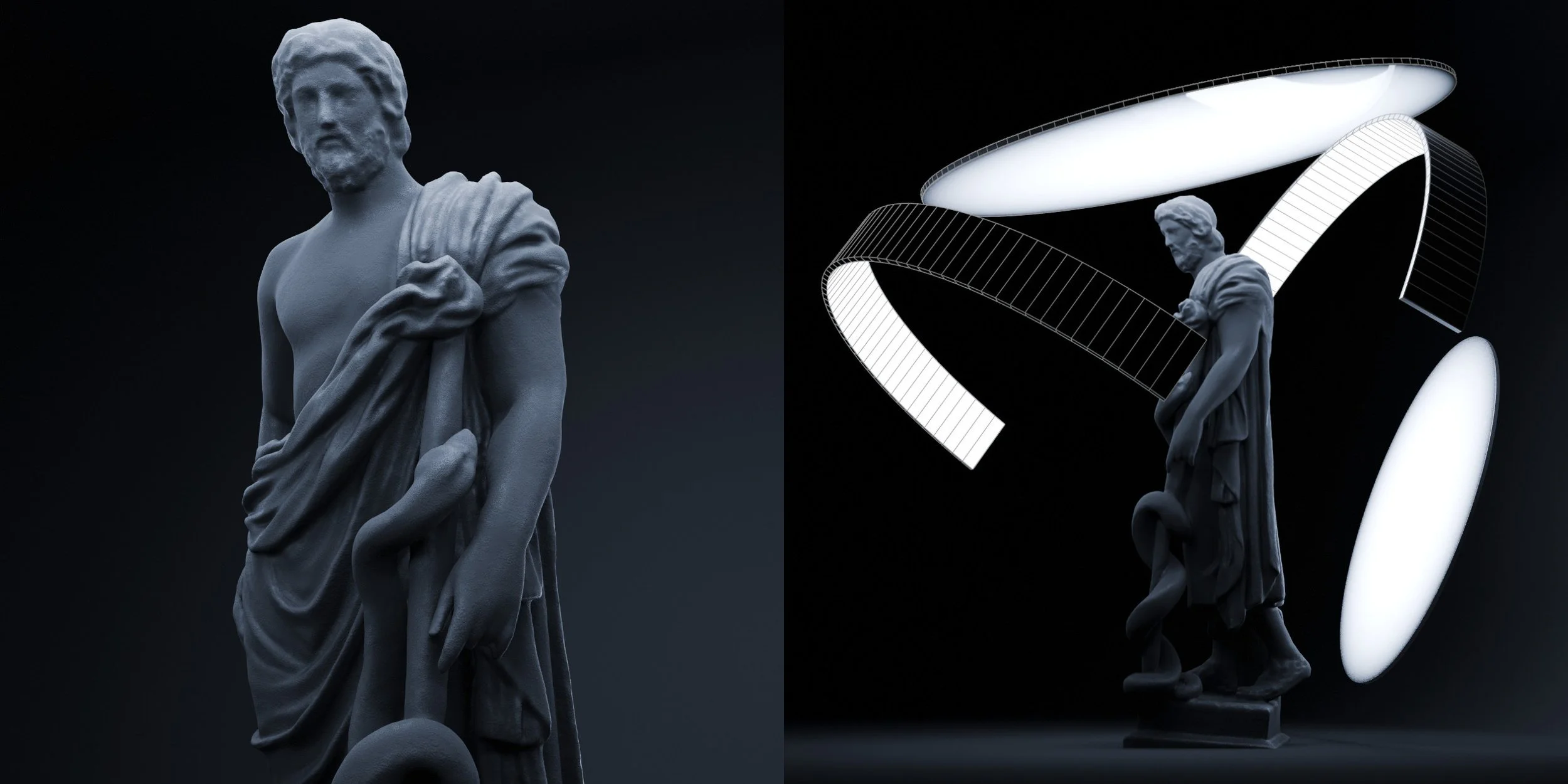
A collection of display cases of various sizes have been added, each following a standardized style with overhead light bars which can be easily moved around. This is especially effective for highlighting areas of focus within larger display structures.
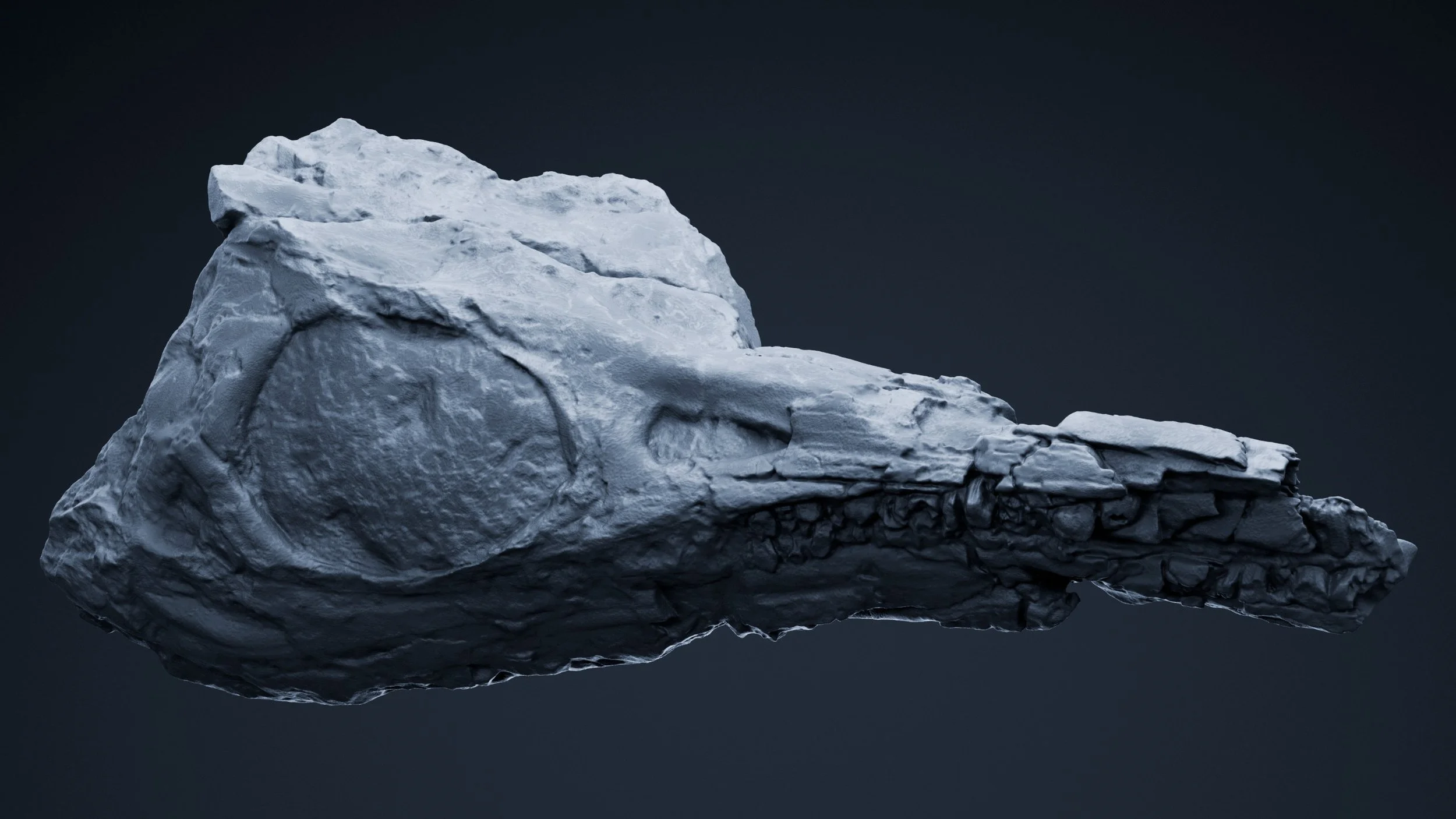
Also included with version 2.2 is a 'Physical Definition' material, specifically designed to highlight curvature details on objects (such as sculpts and scans), as seen with the 3D scans. The 3D scans shown here are not included, and are available on Sketchfab courtesy of the Minneapolis Institute of Art and The Hunt Museum (CC0).
( Related Video )
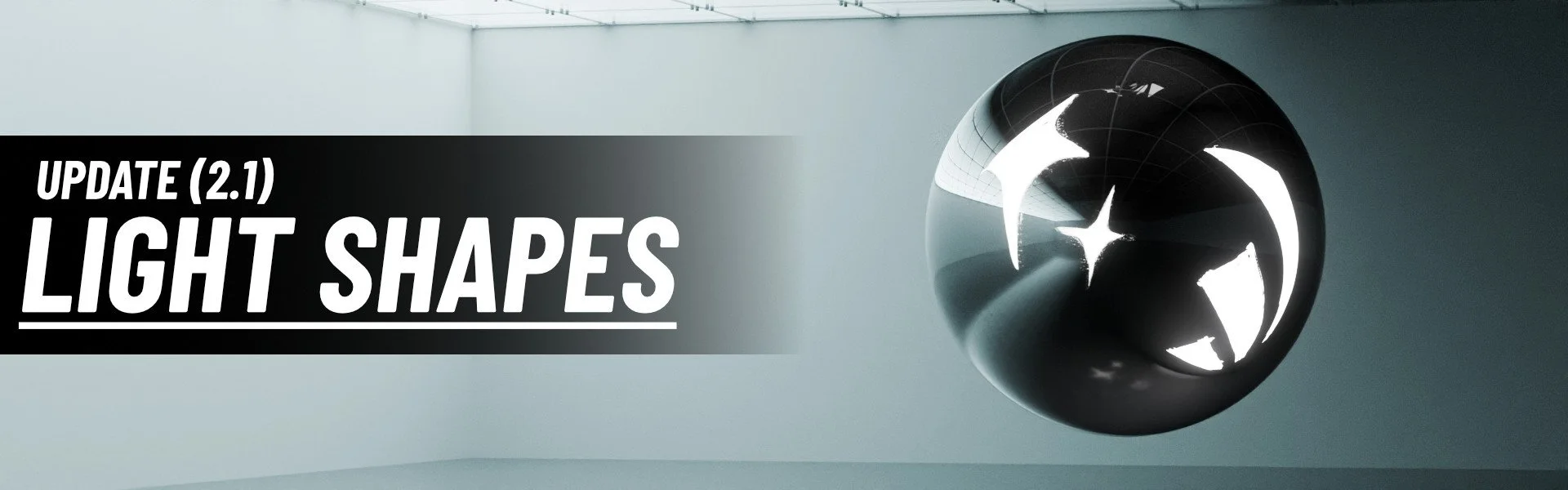
Update 2.1
Light Shapes
Added a 'Light Shapes' category, containing both 3D (geometric) and 2D (image plane) objects that provide complex lighting and reflections to objects.
The included image planes are focused on a painterly style, while the 3D geometries are designed to provide a spherical influence of light around a center point.
The geometric light shapes also have more advanced light-color control through their associated shaders.
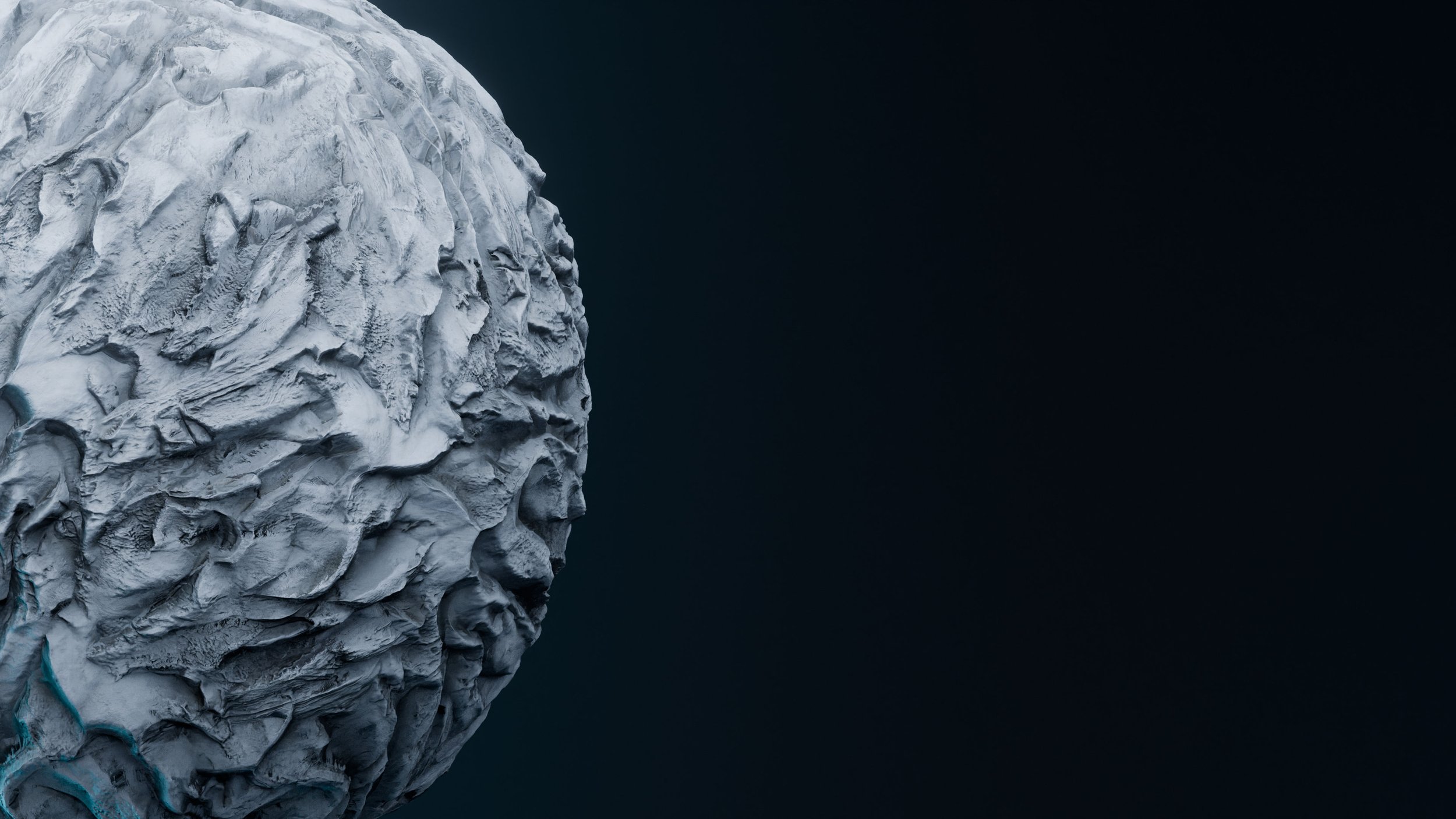
Hex Scatter
Hex Scatter is a collection of node groups designed to help you scatter non-seamless texture content around objects of any shape.
It uses a variety of techniques such as hexagonal cell distribution, PBR height blending, triplanar / biplanar mapping, random rotation /scale, and normal correction.
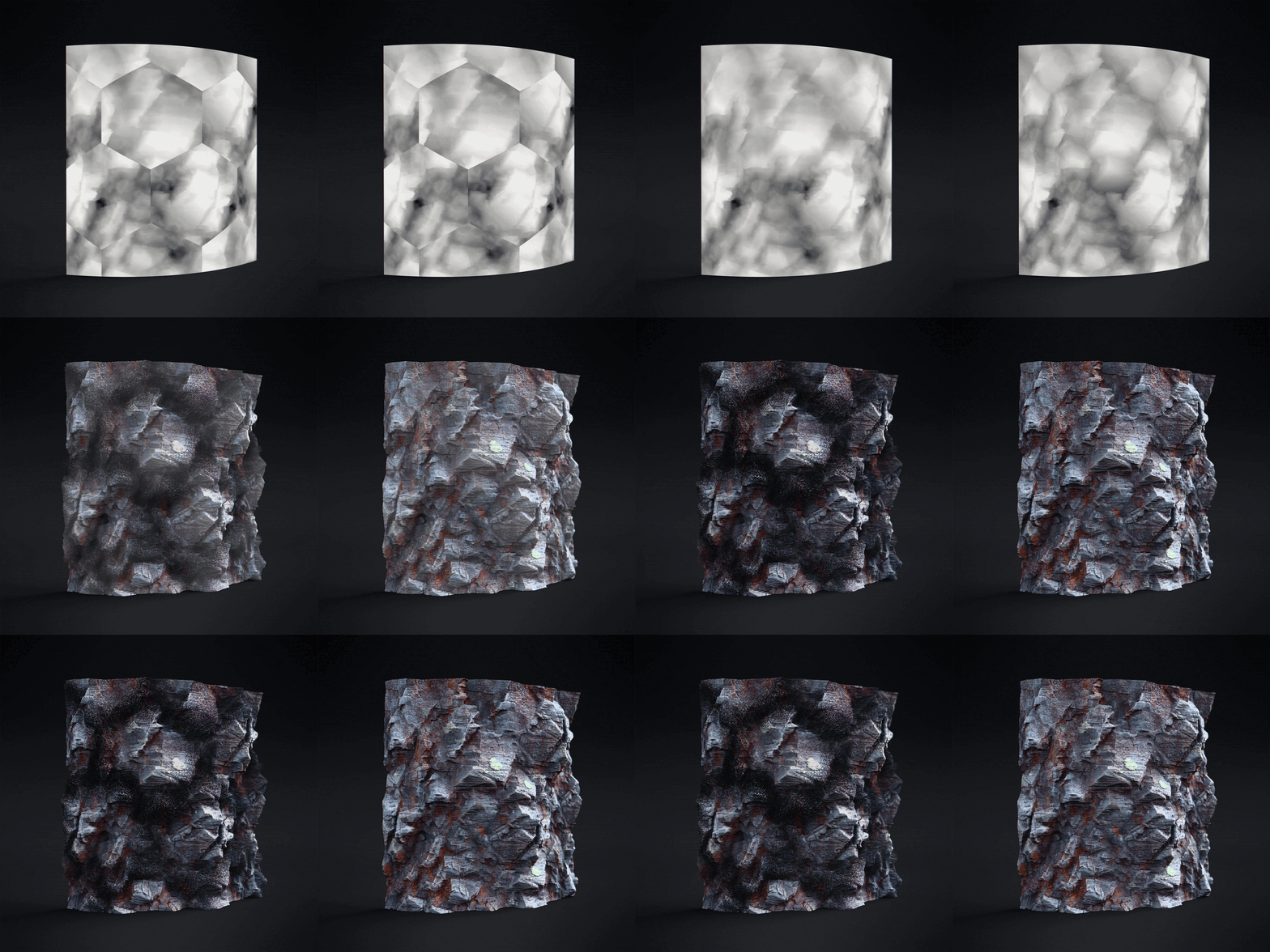
Appropriate Displacement
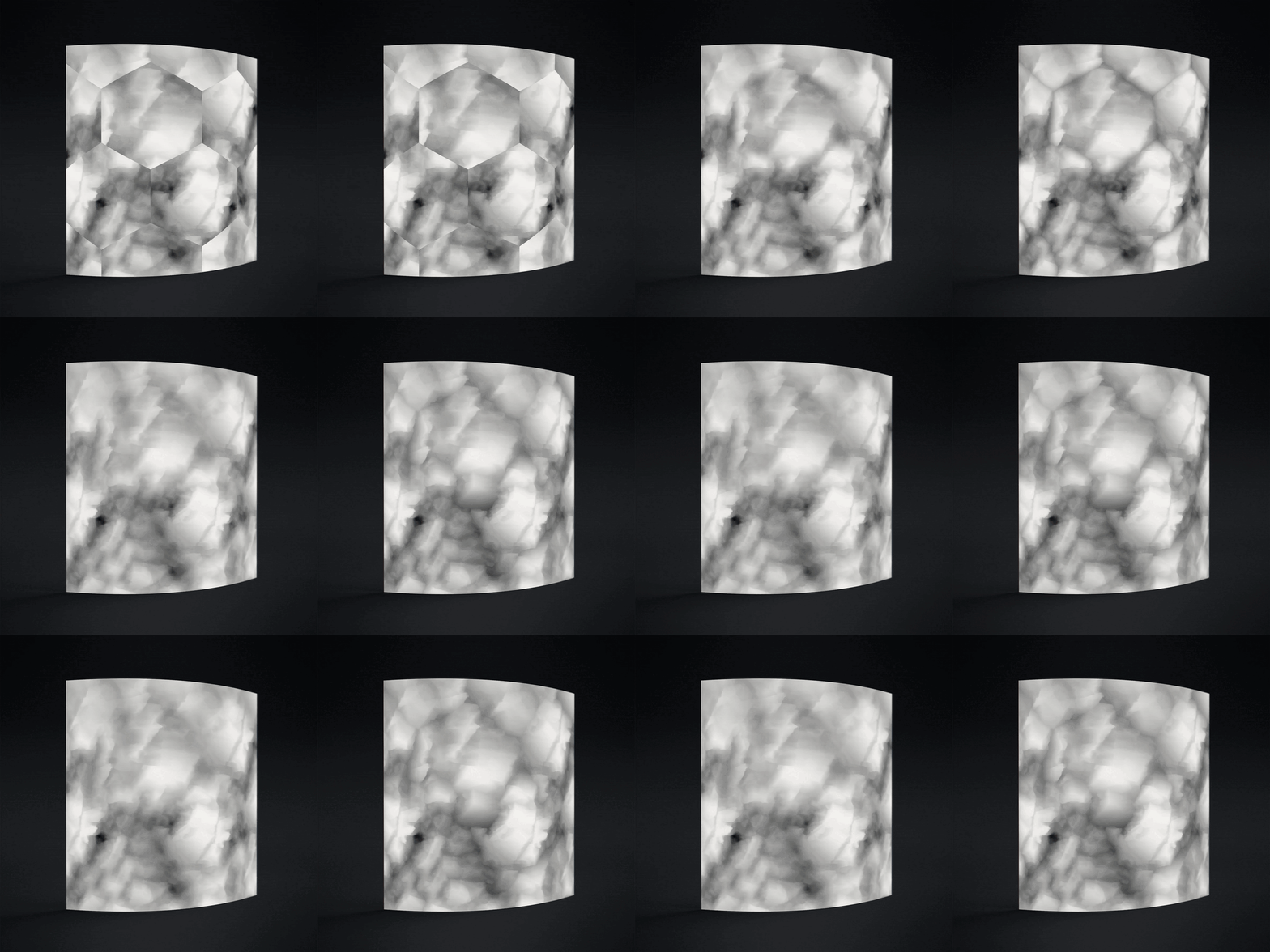
Height Blending
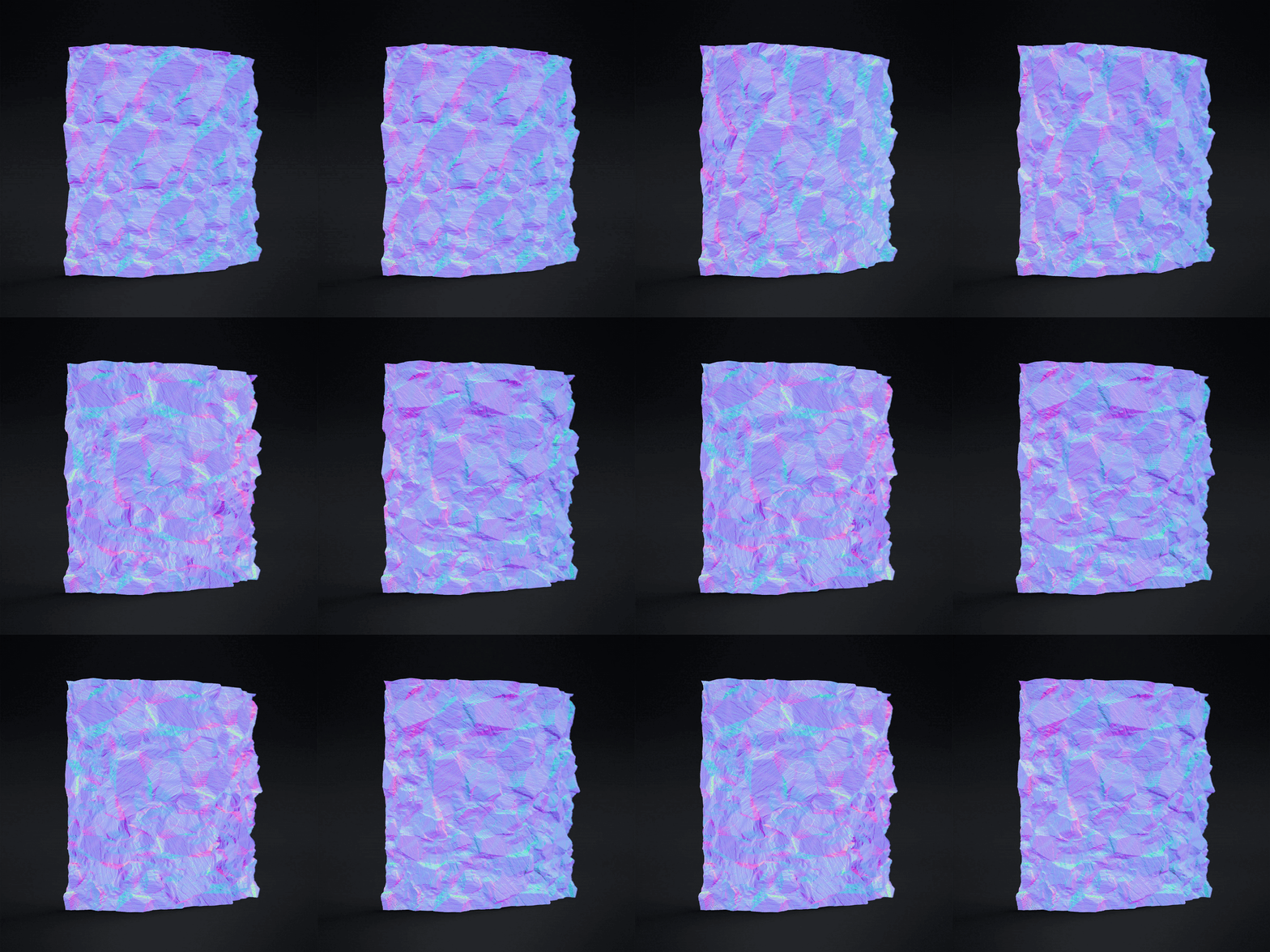
Normal Correction
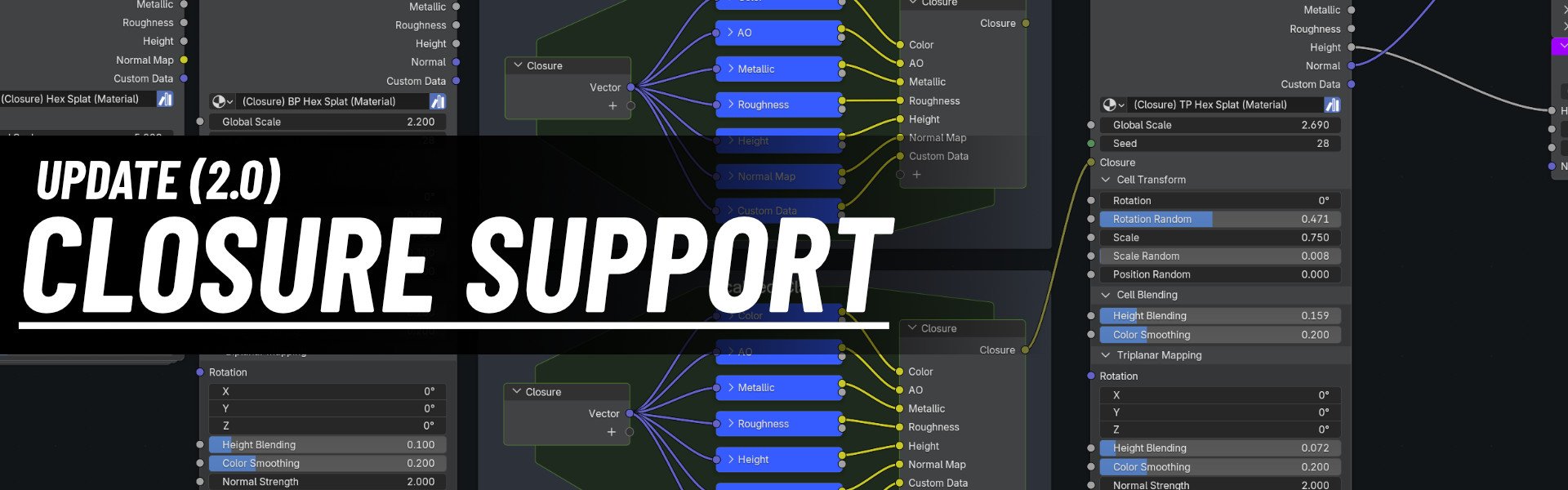
Update 2.0
Closure Support
Image inputs now only need to be referenced once, thanks to Blender’s closure system. The downloadable blend file contains a demonstration of how to set up PBR image inputs using closures, which can easily be swapped out for other textures.
This allows any number of materials using Hex Scatter to be packaged within a single blend file, which is perfect for creating personal asset libraries!
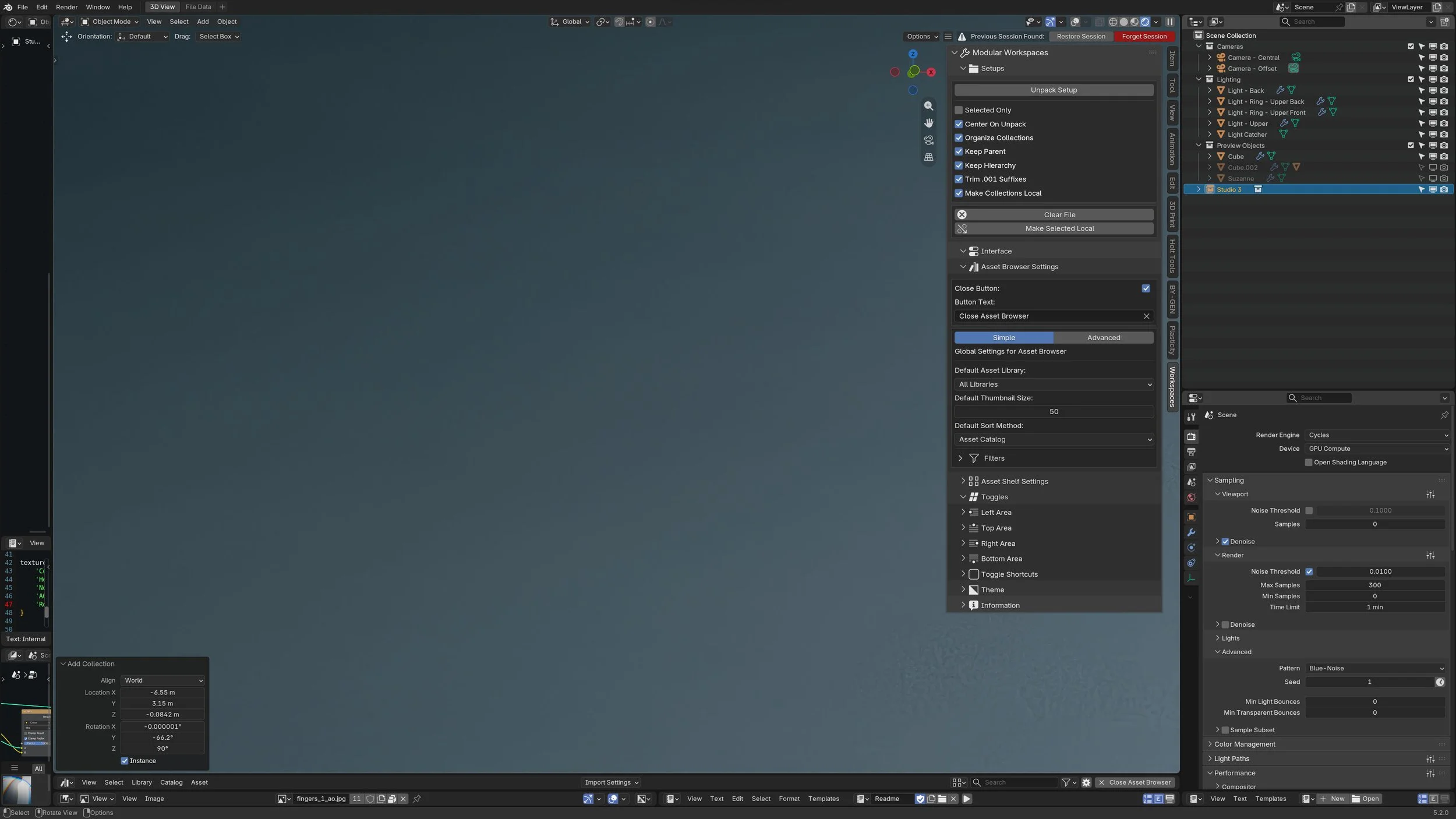
Modular Workspaces
Modular Workspaces is a combination of an addon and asset library file, designed to speed up your startup workflow.
Simply drag and drop your favorite collection assets from the asset browser in the 3D view, and with the press of a button, all of the objects will be unpacked and ready to use!
Modular Workspaces expects collection assets to be imported into the scene in ‘linked’ mode, which can be set from the asset browser under ‘Import Settings’.
It also features a pie menu and customizable toggle buttons to quickly split the interface into your most-used editors. You can even set your favorite preferences for the asset browser, so it will always open exactly how you want it.
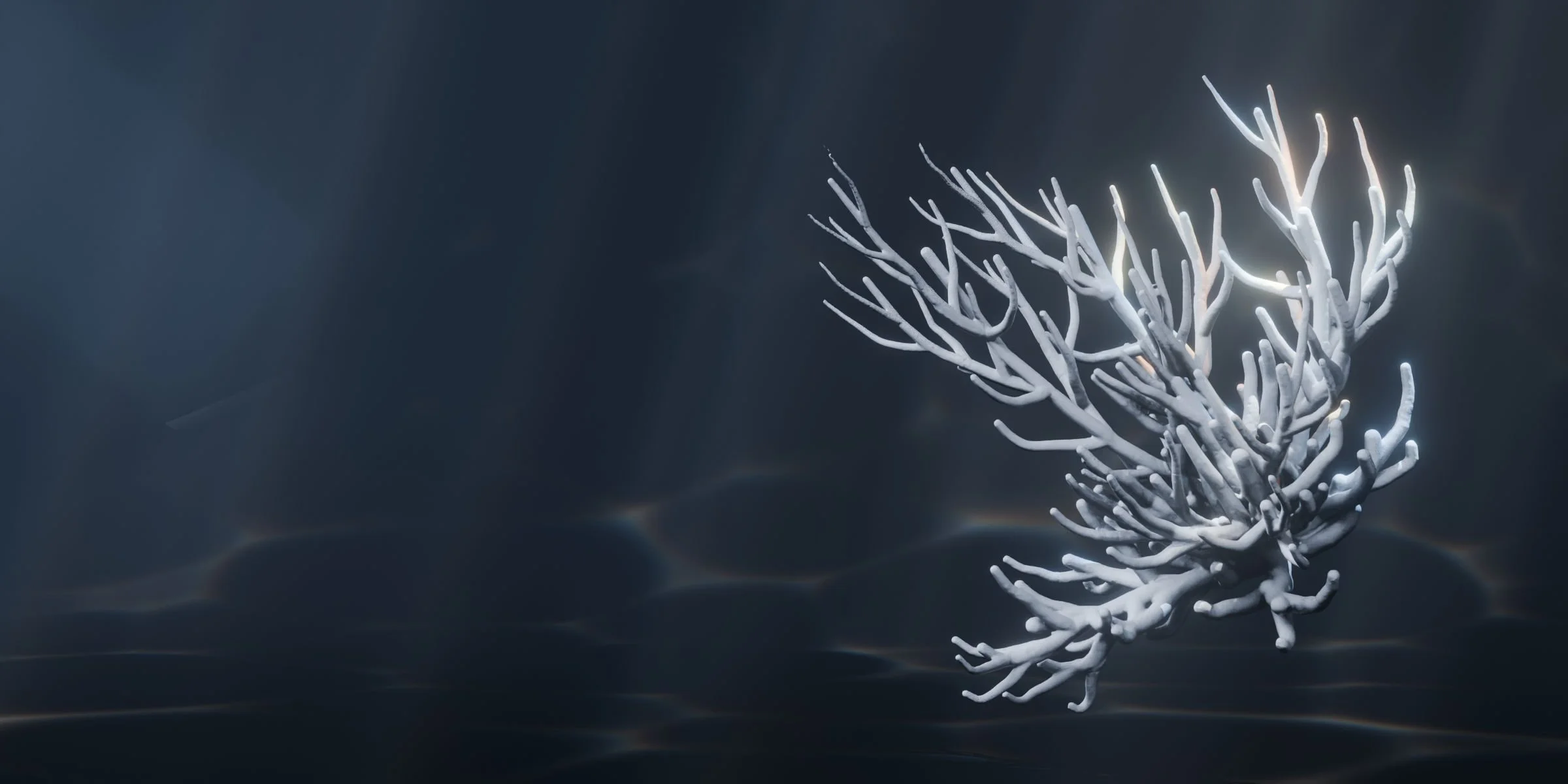
Procedural Coral
Procedural Coral is an asset library containing a collection of geometry nodes logic systems for generating coral and other miscellaneous underwater structures. Each generator is capable of a huge range of effects, some even supporting animation.
By modifying values in each of the node trees (or inputs exposed in the modifier stack), you can create a limitless number of results.
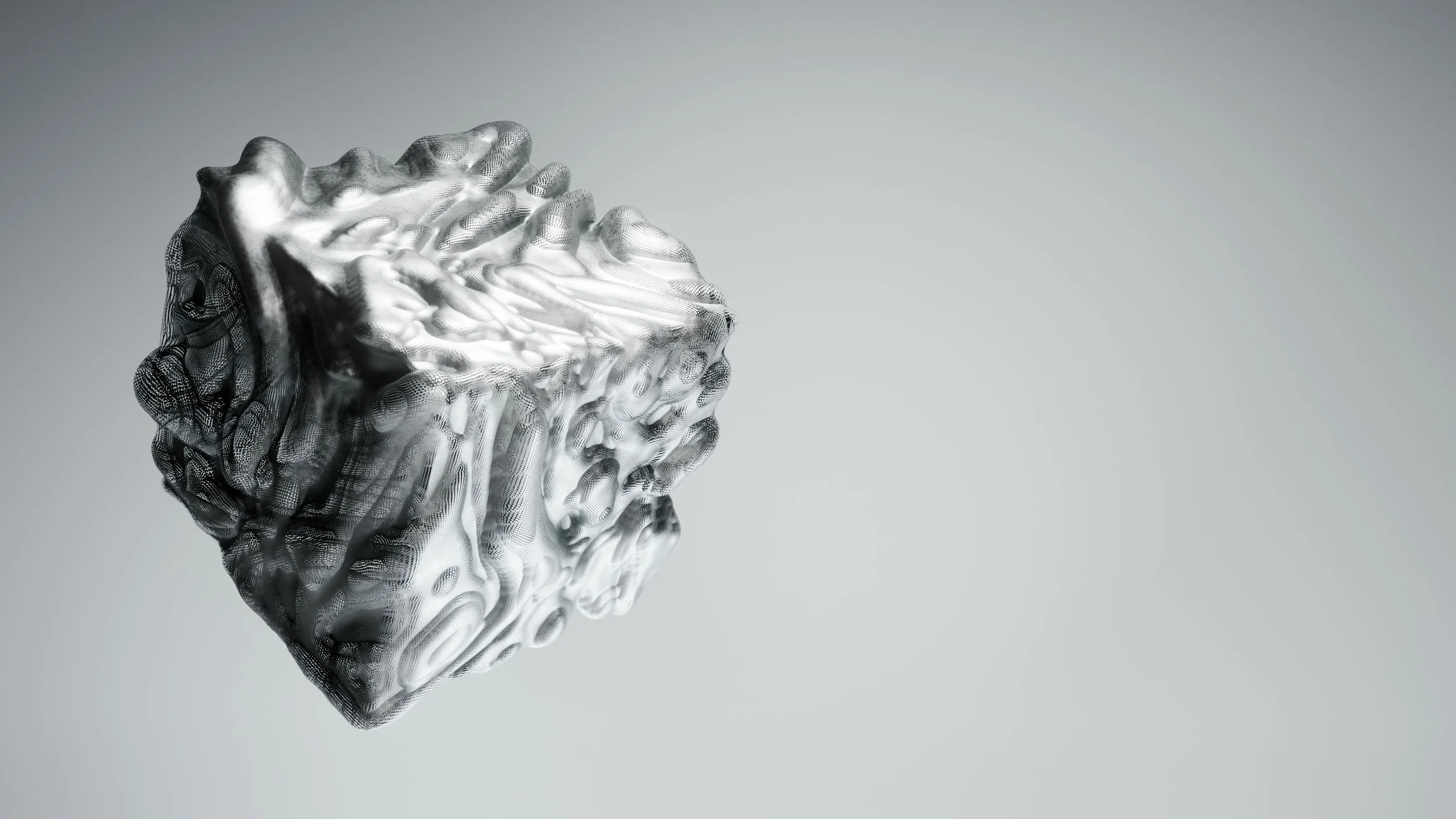
BY-GEN
BY-GEN is a multipurpose toolkit designed to help people create artwork utilizing generative techniques within Blender. See the documentation here.
Note, development on BY-GEN has come to an end, as future generative tools will rely entirely on the asset browser, or our custom Pipeline tool.
Looking For More?
Take a look at my Gumroad storefront for other packages that aren’t listed on this page.